Rugged Enterprise Tablets for Safe Zone Inspections
TIME
Click count
Rugged enterprise tablets are becoming essential tools for safe zone inspections where accuracy, mobility, and compliance cannot be compromised. In complex industrial settings, they do more than replace paper forms. They speed up evidence capture, support real-time decisions, and keep inspection records usable across engineering, safety, and compliance teams.
That matters across the environments tracked by G-CSE, from semiconductor utilities and aerospace assembly areas to energy infrastructure and advanced materials processing. When inspection teams work around sensitive assets, the device itself becomes part of the control system.
The real question is not whether to use rugged enterprise tablets. It is how to choose and deploy them so inspections stay fast, traceable, and reliable under field pressure.
Why rugged enterprise tablets fit safe zone inspections
Safe zone inspections often happen in controlled but demanding areas. Floors may be wet, visibility may be poor, and teams may move between clean, mechanical, and outdoor-adjacent spaces in one shift.
Standard consumer tablets usually fail at the details. Screens wash out in bright light. Ports loosen. Battery life drops too quickly. Documentation becomes inconsistent when devices freeze or lose connectivity.
Rugged enterprise tablets are built for this gap. They combine mobile computing with industrial durability, secure data handling, and integration into inspection workflows that involve ISO, UL, SEMI, or internal plant procedures.
In G-CSE-relevant sectors, that reliability supports a bigger goal: verifiable engineering decisions. An inspection record is only useful when timestamps, images, readings, and approvals remain complete and defensible.
What to check before selecting rugged enterprise tablets
- Check ingress and drop protection first. Rugged enterprise tablets should survive dust, splashes, vibration, and repeated handling without degrading ports, cameras, seals, or touch performance.
- Verify screen usability in the real environment. Bright display output, glove-friendly touch, and rain mode matter more than resolution during safe zone inspections.
- Confirm battery strategy, not just battery size. Hot-swappable packs reduce workflow interruption and help rugged enterprise tablets cover long inspection rounds and shift changes.
- Review connectivity options carefully. Wi-Fi, private LTE, Bluetooth, GPS, and offline sync all affect whether inspection data stays complete across mixed industrial zones.
- Test camera and barcode performance on site. Blurry images and slow scanning can turn rugged enterprise tablets into reporting bottlenecks instead of field productivity tools.
- Make security a buying criterion. Device encryption, role-based login, remote management, and audit logging protect inspection evidence and reduce compliance exposure.
- Check software compatibility early. Rugged enterprise tablets should connect cleanly with EHS systems, CMMS platforms, digital forms, and enterprise reporting workflows.
- Evaluate cleaning tolerance and materials. In filtration, ceramics, and controlled production areas, device surfaces must handle frequent wipe-downs without damaging seals or ports.
A common mistake is overbuying ruggedness while underchecking workflow fit. A device may meet military drop standards yet still fail because image upload is slow or inspection forms are hard to complete with gloves.
A quick evaluation table
Where rugged enterprise tablets create the most value
High-tech manufacturing and utilities
In semiconductor and precision manufacturing support areas, safe zone inspections often focus on airflow systems, filtration skids, water treatment loops, and equipment interfaces. The work is routine, but the tolerances are tight.
Rugged enterprise tablets help capture valve status, leak indicators, maintenance tags, and differential readings in one pass. That reduces re-entry, missed notes, and delays between field observations and engineering review.
Aerospace assembly and support infrastructure
Aerospace environments depend on documented process discipline. Inspections may involve fastening verification, glass-ceramic handling areas, environmental controls, or fire protection access routes.
Here, rugged enterprise tablets support photo-backed records and immediate exception logging. The value is not just speed. It is consistency across teams, shifts, and audit periods.
Energy facilities and safety-critical support systems
In energy infrastructure, safe zones still involve harsh conditions. Heat, moisture, vibration, and long walking routes can wear out standard devices quickly.
Rugged enterprise tablets make inspections more dependable when teams need route maps, asset histories, and immediate escalation paths. Offline capability becomes especially important where network coverage varies between buildings or yard areas.
What gets overlooked during deployment
Selection is only half the job. Many rollouts lose value because teams focus on hardware specs and ignore day-to-day inspection behavior.
- Do not ignore form design. If digital inspection steps are too long or confusing, rugged enterprise tablets will not improve data quality in the field.
- Set clear photo standards. Requiring the right angle, distance, and labeling makes inspection evidence more useful during engineering review and audits.
- Define offline rules before launch. Teams need to know what data stays local, when sync happens, and how conflicts are resolved.
- Plan accessories around actual movement. Shoulder straps, docks, vehicle mounts, and spare batteries often improve rugged enterprise tablets more than extra processor power.
- Include sanitization and maintenance routines. Devices used across shifts should have cleaning checks, charging ownership, and seal inspections built into operations.
- Map escalation logic into the workflow. When a defect is found, rugged enterprise tablets should route alerts quickly to maintenance, safety, or engineering owners.
Another overlooked issue is evidence structure. If inspection data cannot be sorted by asset class, zone, date, and severity, reporting gets messy fast. That weakens the value of every inspection round.
How to align device choice with compliance and resilience goals
For organizations using G-CSE-style benchmarking, rugged enterprise tablets should be evaluated as operational infrastructure, not simple IT equipment. Their role touches resilience, traceability, and engineering confidence.
A practical approach is to score each device against three layers. First, can it survive the environment. Second, can it support the inspection process. Third, can it protect the record after the inspection ends.
Useful criteria for final comparison
- Match device class to zone conditions. Safe zone inspections may not require explosion-proof hardware, but they still require durable, stable rugged enterprise tablets.
- Prioritize evidence integrity. Time stamps, user IDs, geolocation, and locked records help turn inspection activity into defensible compliance documentation.
- Measure workflow speed in pilot tests. Compare paper, consumer devices, and rugged enterprise tablets using actual route times and error rates.
- Check lifecycle support commitments. Long product availability, repair programs, and accessory continuity reduce disruption in regulated industrial environments.
This is especially relevant in sectors dealing with advanced ceramics, filtration systems, fire protection assets, fastening validation, or service robotics. The inspection tool must keep up with the discipline expected of the asset itself.
A practical next step for stronger inspections
If safe zone inspections are still slowed by paper forms, weak cameras, inconsistent uploads, or device failures, it is worth reviewing the current field workflow before buying anything new.
Start with one inspection route. Measure completion time, missed fields, image quality, battery interruptions, and reporting delays. Then test rugged enterprise tablets against those exact friction points.
The best result is not simply a tougher tablet. It is a safer, faster, and more reliable inspection process that holds up under operational pressure and regulatory scrutiny.
When rugged enterprise tablets are selected with real field conditions, compliance needs, and system integration in mind, they become a practical lever for better decisions across critical industrial projects.
Recommended News
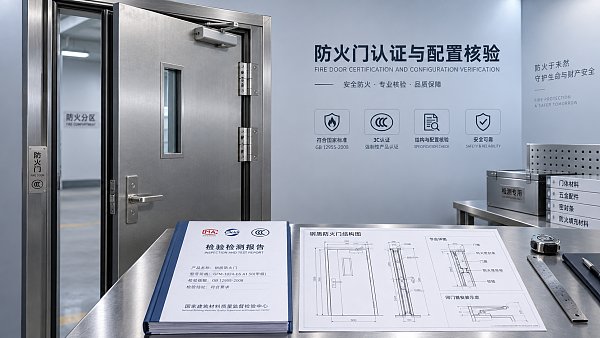
 Oct 16, 2026How to verify a fire-rated door manufacturer’s product certificationChoosing a fire proof doors manufacturer? Learn how to verify certifications, match approved door configurations, and spot compliance gaps before you buy. Explore the checklist.
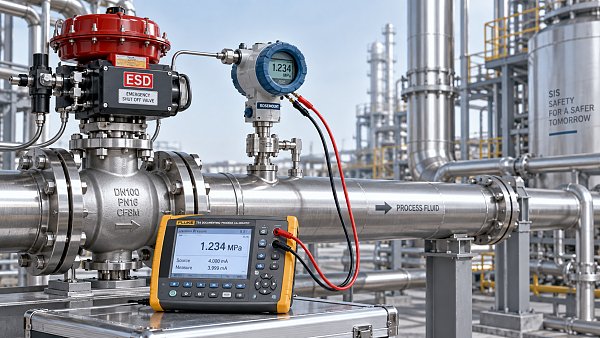
 Oct 15, 2026How proof test intervals affect SIL metrics in process safetyExplore SIL metrics process safety teams rely on. Learn how proof test intervals affect PFDavg, risk reduction, and test coverage to make better-informed safety decisions.
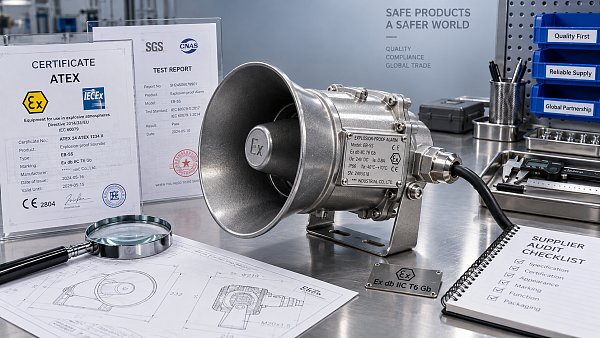
 Oct 14, 2026How to verify an explosion-proof siren factory's ATEX certificatesVerify an explosion proof siren factory's ATEX certificates with practical checks for authenticity, product scope and production conformity. Avoid costly sourcing mistakes before you buy.
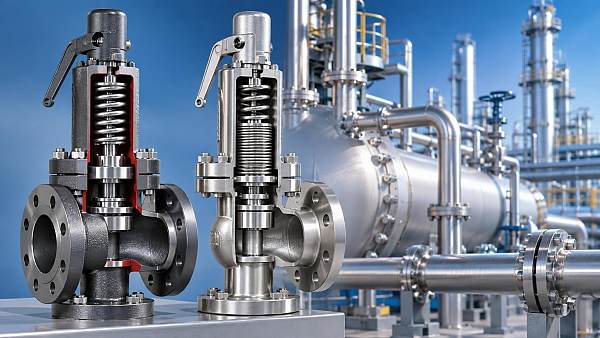
 Sep 14, 2026What drives safety relief valve price differences for the same size?Safety relief valve price differences explained: compare pressure duty, materials, certifications, testing, capacity, and lifecycle value before you buy.
All Categories
Hot Articles
- How to verify a fire-rated door manufacturer’s product certificationOct 16, 2026Choosing a fire proof doors manufacturer? Learn how to verify certifications, match approved door configurations, and spot compliance gaps before you buy. Explore the checklist.
- How proof test intervals affect SIL metrics in process safetyOct 15, 2026Explore SIL metrics process safety teams rely on. Learn how proof test intervals affect PFDavg, risk reduction, and test coverage to make better-informed safety decisions.
- How to verify an explosion-proof siren factory's ATEX certificatesOct 14, 2026Verify an explosion proof siren factory's ATEX certificates with practical checks for authenticity, product scope and production conformity. Avoid costly sourcing mistakes before you buy.